Hello Fozzels user,
This release ensures that working with large volumes of data is not just fast, but fully controllable and intuitive.
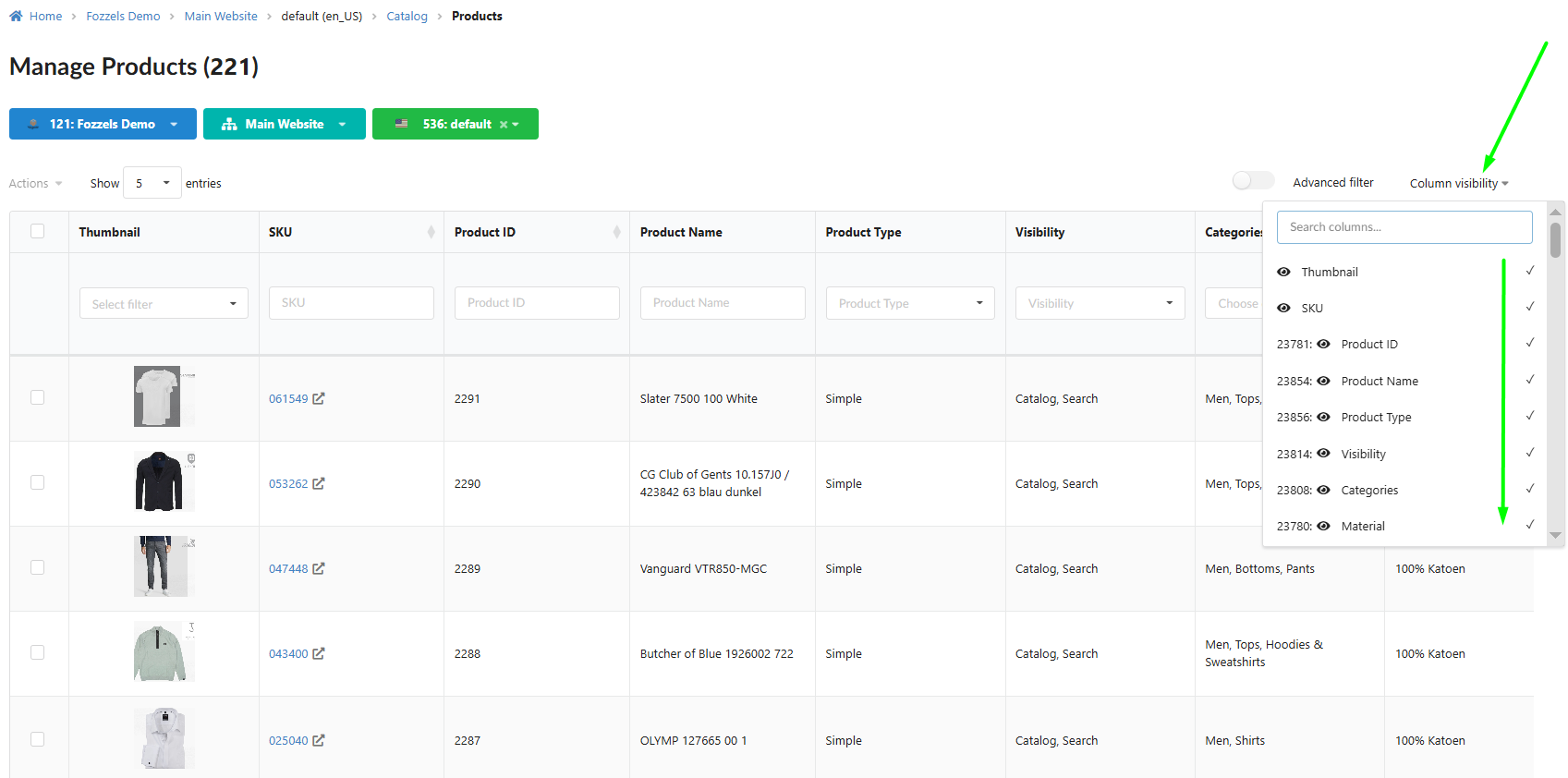
1. Accelerated Catalog — 20 Default Attributes
Benefits: Approximately 20 of the most important attributes are now enabled by default, significantly simplifying the workflow and boosting loading speed and display performance for large catalogs.
Where to find it: Catalog → Column visibility — defaults already applied.
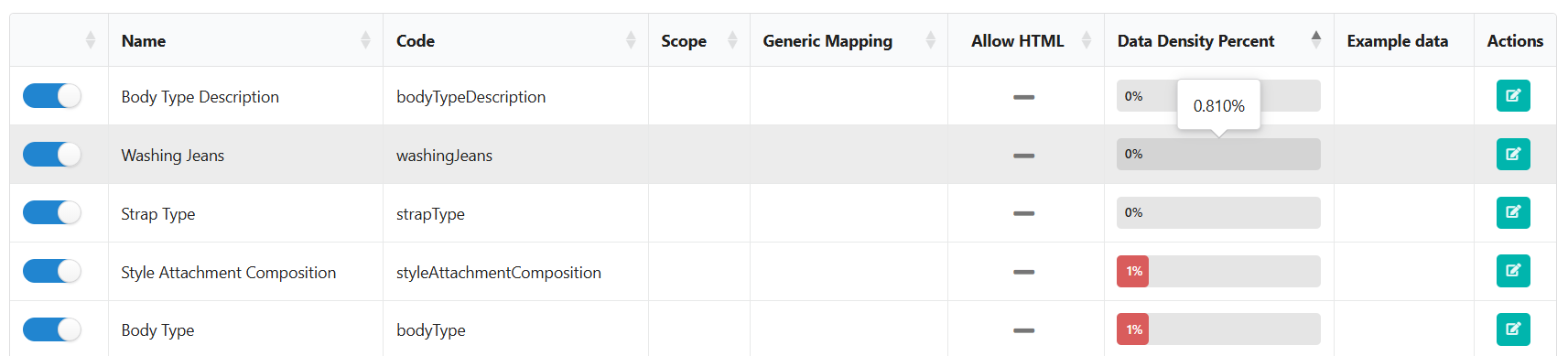
2. Attribute Accuracy — Data Density Percent Rounding
Benefits: The DDP (Data Density Percent) value is now rounded to three decimal places, preventing confusion from rounding to zero for attributes with minimal density.
Where to find it: Catalog → Attributes table → DDP column.
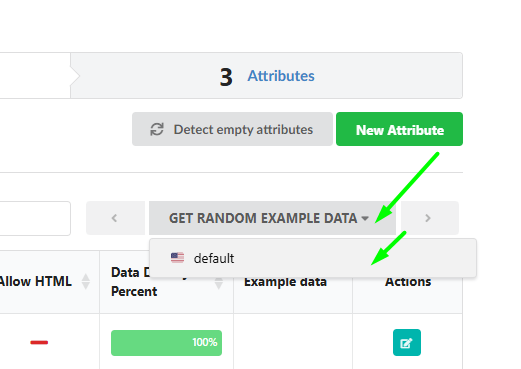
3. Full Website & Store Names in Examples
Benefits: The random data example block now displays the full website and store name instead of abbreviations, providing complete transparency about specific data sources.
Where to find it: Catalog → Attribute details → Example data block.
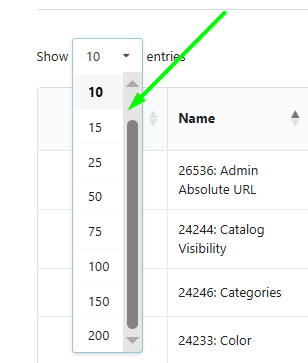
4. Flexible Table Navigation — Expanded Pagination
Benefits: Pagination options expanded to include 50, 75, 100, 150, and 200 elements, allowing efficient management of substantial datasets.
Where to find it: Catalog and Flow tables → rows-per-page selector.
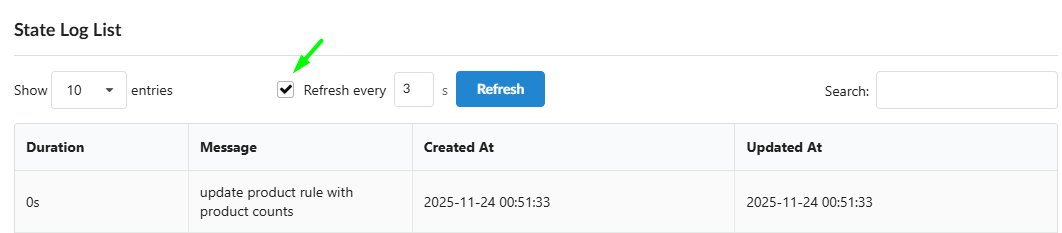
5. Automated Catalog Log Refresh
Benefits: In log tables tracking changes (State Log List), the automatic refresh function is now active by default, improving process tracking convenience.
Where to find it: Catalog → State Log List.
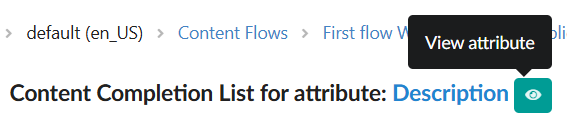
6. Eye Icon for Instant Attribute Settings
Benefits: An eye icon next to attribute names in the Batch list table provides a quicker way to check attribute settings and configuration without leaving the current view.
Where to find it: Dashboard → Batch list → attribute name row.
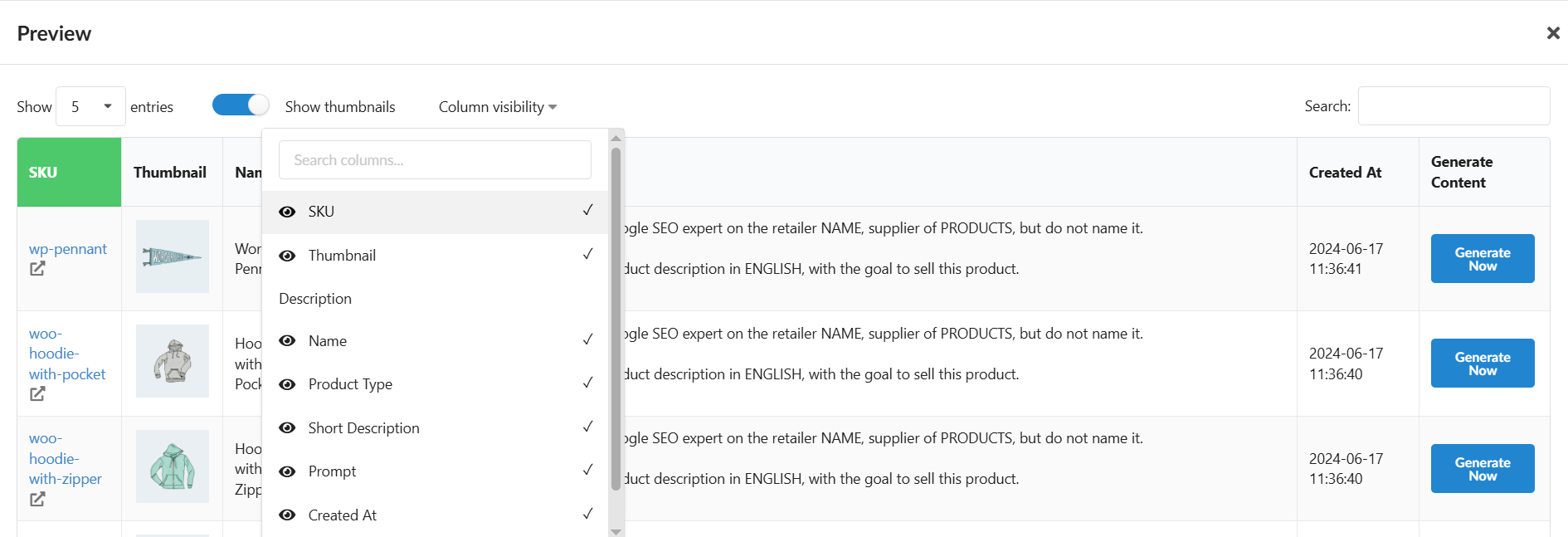
7. Column Control in “Save & Preview”
Benefits: The column visibility block is now integrated into the preview table, allowing selective display of necessary attributes when managing large tables.
Where to find it: Content Flows → Save & Preview step.
8. Clean Visual Catalog — No More Broken Images
Benefits: The system now automatically ignores and does not display invalid (broken) or empty image URLs across catalogs, reports, and generation lists.
Where to find it: Catalog → Product images — applied automatically.
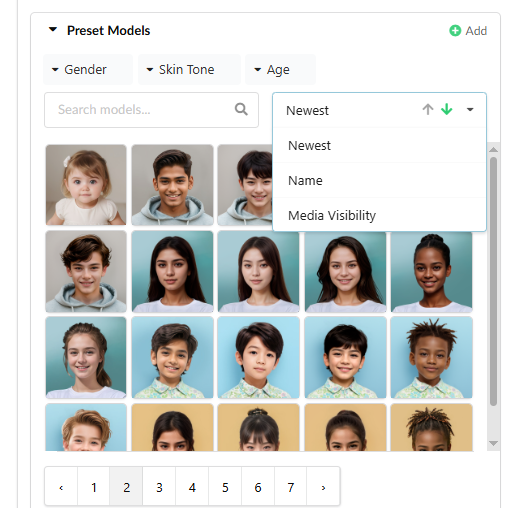
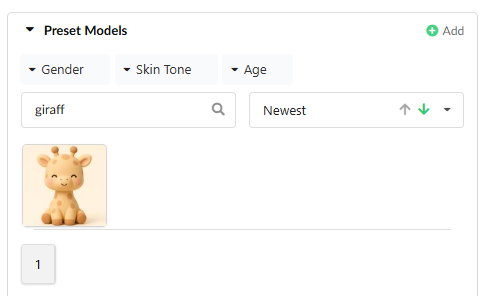
9. Enhanced Image Filtering in Image Flow
Benefits: New filtering and sorting capabilities include filtering by source (default vs. custom uploaded images), upload date, and name. Terminology clarified: “AI Model” renamed to “Preset Model”.
Where to find it: Image Flows → Image management → Filter panel.
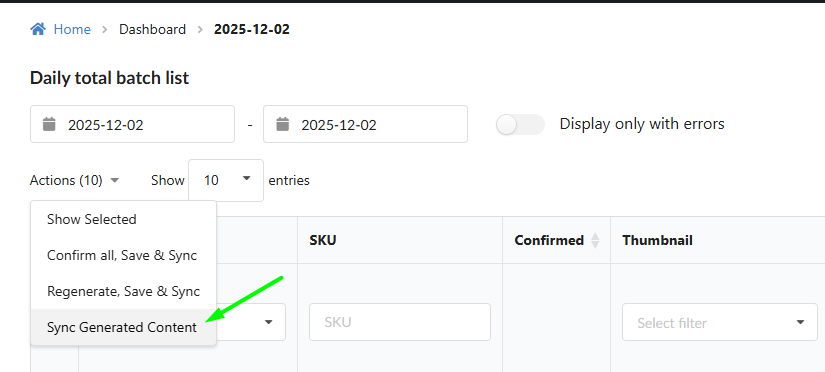
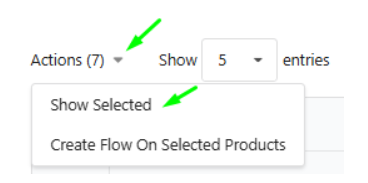
10. Full-Featured “Show Selected”
Benefits: The Show Selected function now supports all the same actions as the regular table: view, filter, and apply Mass Actions — in both Catalog and Daily Report views.
Where to find it: Catalog and Daily Report → select items → Show Selected.
Under the Hood — Integration Stability
Targeted improvements for WooCommerce, EK Retail, and Shopware integrations to ensure reliable operation.
We’re proud of how much ground this release covers for high-volume catalog users. Your experience working with large datasets should now feel noticeably faster and more organized. As always, we’d love to hear your feedback!
Should you have any comments, remarks, or questions, please reach out to support@fozzels.com.
Happy prompting,
The Fozzels Team